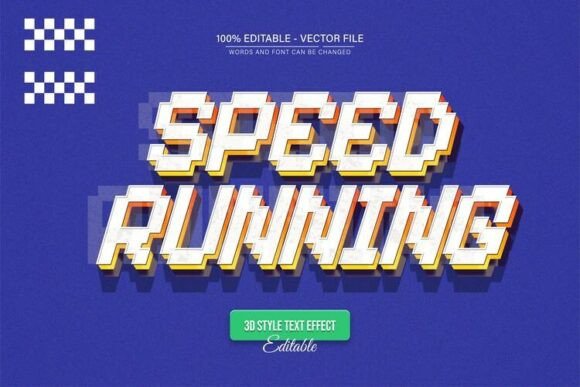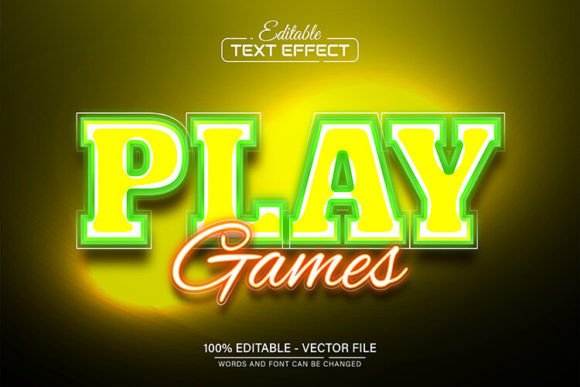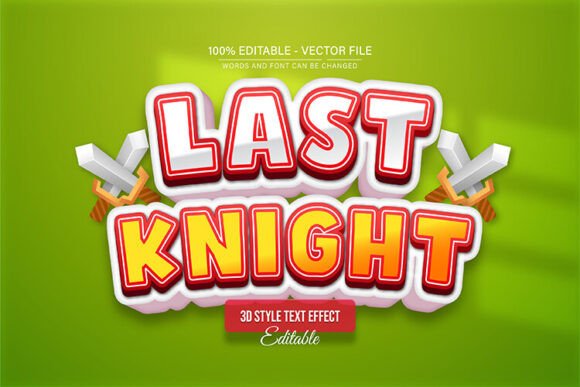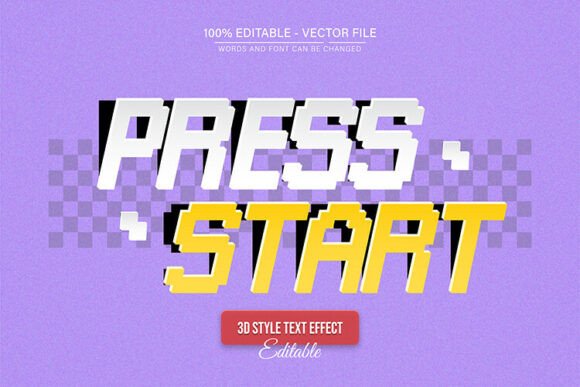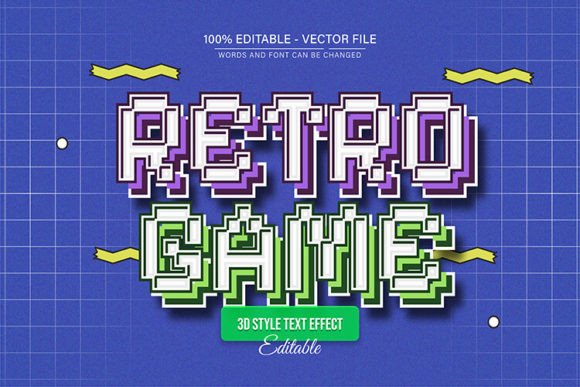
Retro Game Pixel Text Effect Editable
Instantly transport your audience back to the golden age of gaming with a stunning Retro Game Pixel Text Effect Editable. This isn't just a static image; it's a fully customizable vector design asset built for creators who demand both nostalgic charm and professional flexibility. Perfect for designers, marketers, and hobbyists, this effect allows you to craft authentic 8-bit and 16-bit style typography for any project, ensuring your visuals are as dynamic and memorable as the classic games that inspired them.
A Design Asset Built for Flexibility
The core strength of this design lies in its complete editability. As a fully vector-based creation, you have unparalleled control. You can enlarge or reduce the size to any dimension you need within Adobe Illustrator, and the quality remains perfectly crisp and clear—no pixelation, no loss of detail. This makes it ideal for projects ranging from small social media icons to large-format poster designs and banners.
Key features are designed to streamline your workflow:
- 100% Editable Vector: Every element is customizable.
- Fully Editable Text: Change the words, font, and spacing with ease.
- Unlimited Color Variations: Edit colors directly in Adobe Illustrator to match any brand palette.
- Easy To Edit: No advanced skill requirement; straightforward for users of Illustrator.
- Download Content: Includes high-quality JPG and EPS files, plus information on the free fonts used.
Where Can You Use This Pixel Text Effect?
The applications for a retro pixel typeface are vast and vibrant. This effect is a perfect fit for any project that calls for a touch of nostalgia, energy, and playful character. Consider using it for:
- Logo Design & Brand Identity: Create a unique brand mark for indie game studios, retro-themed cafes, or tech startups with a vintage soul.
- Poster & Packaging Design: Design eye-catching event posters, product packaging, or merchandise for bands, streamers, and comic conventions.
- Social Media Graphics: Make your Instagram stories, YouTube thumbnails, and promotional ads pop with engaging, scroll-stopping text.
- Web Design & Digital Products: Add a distinctive header to a website, style a video game UI, or enhance the look of an e-book or digital magazine.
- Invitations & Editorial Layouts: Craft memorable birthday invitations, wedding save-the-dates, or magazine features with a unique typographic twist.
Getting Started: Simple and Straightforward
Changing the text to your own custom message is incredibly simple. Follow these steps to make it your own:
- Open the provided file in Adobe Illustrator CS or a higher version.
- Press the "T" key on your keyboard to activate the Type Tool, then click on the existing text.
- Highlight the text and type your new words. Adjust the effect, color, and placement to suit your design vision.
Choosing the Right Font for Your Project
While this pixel effect is a fantastic display font, always consider the context of your project. For body text or longer passages, pair it with a clean, legible sans serif font or a simple serif font to ensure readability. The contrast between a detailed display typeface and a straightforward body font creates visual hierarchy and makes your overall design more polished and professional. Always test font pairings and review how the style fits the mood—whether it's playful, nostalgic, or boldly modern.
Ultimately, selecting a well-crafted font or text effect is an investment in your project's visual consistency and brand recognition. A design asset like this retro pixel effect doesn't just add text; it adds personality, evokes emotion, and helps tell a story. It’s a creative tool that can elevate your work, making it more engaging and memorable for your audience.